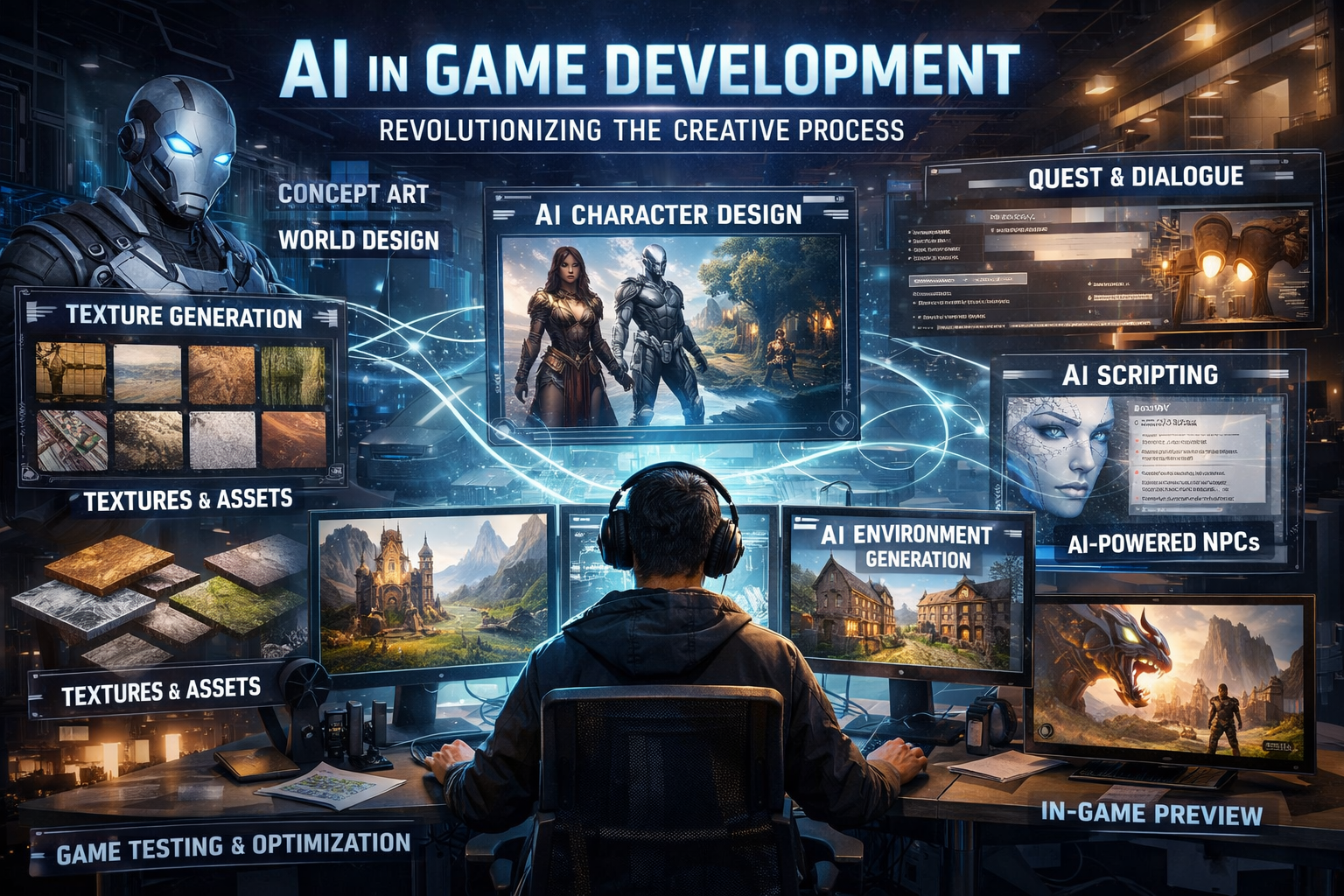
Game development has always been visual. Even text adventures had art on the box. But the visual demands of modern games are immense—character designs, environment concepts, UI elements, textures, promotional materials, and on and on.
AI image generation is finding its place in this pipeline. Not replacing the artists—most game studios would laugh at the idea—but accelerating certain parts of the process and enabling teams to do more with less.
Where AI Fits in Game Development
Concept Art and Iteration
Concept art is the traditional entry point. Before a game gets built, artists produce hundreds of sketches exploring characters, environments, and styles. It's exploratory work—most of it won't end up in the final game, but it's necessary to find the right direction.
AI can accelerate this exploration. A concept artist can generate 20 variations of a character in the time it would take to sketch 3. The AI outputs aren't final—they're starting points. But exploring more options faster means better decisions about direction.
The workflow looks like: AI roughs out concepts, human artists refine and develop the ones with potential. The AI handles volume; the humans handle judgment and craft.
Pitch Decks and Prototyping
Before a game gets funded, there's a pitch. And pitches need to sell a vision quickly. Visuals matter.
Small studios and solo developers especially benefit here. A single developer with a game idea can now produce visuals for a pitch deck without hiring an artist. The images aren't production quality, but they communicate the vision.
For rapid prototyping, AI-generated assets can fill in during development. The final game will have polished art, but during prototyping, placeholder visuals that look decent let teams evaluate gameplay without being distracted by obviously bad art.
Environment and Background Assets
Open world games need a lot of background elements. Not every tree, rock, and building needs to be a unique artistic statement. Some assets are functional—they need to look good enough and fit the world.
AI generation can handle some of this volume work. Environmental elements, background textures, procedural variations. The alternative for many teams is either buying stock assets (generic) or spending artist time on low-visibility elements.
UI and Icon Design
Every game needs icons. Inventory items, ability icons, menu elements, badges. Individually small, collectively a lot of work.
AI generation can rough out icon sets quickly. A designer can specify a style, generate dozens of options, and select or refine the best ones. It's grunt work that still requires human judgment, but AI handles the grunt.
What AI Doesn't Do Well (Yet)
Consistent Characters
If you need the same character in 50 different poses and expressions, AI struggles. Each generation is independent—the model doesn't inherently remember what your character looked like last time.
There are workarounds (seeds, reference images, training custom models), but they add complexity. For now, character consistency is still easier with human artists.
Exact Specifications
Game development often requires precise dimensions, specific style guides, exact color palettes. AI generation is probabilistic—it gives you what it gives you. Prompting can nudge the output, but controlling exact details is limited.
If you need a sprite that's exactly 128x128 pixels with a specific animation frame structure, you're probably not using AI generation as the primary tool.
Animation
Static images are the strength. Animation—creating coherent sequences of images that move smoothy—is not. There are AI video models emerging, but they're not yet production-ready for games.
The Indie Dev Perspective
For solo developers and small teams, the calculation is different than for AAA studios.
A solo developer making a pixel art roguelike has limited options: make all the art yourself (months of work), hire an artist (expensive), use free assets (limited selection, might not fit), or compromise on visual quality.
AI generation adds an option: create custom art that matches your vision, quickly, for free. It won't be professional concept artist quality, but it might be good enough—and more importantly, it might enable the game to exist at all.
This is the democratization angle. For developers who couldn't afford custom art, AI doesn't replace artists. It enables development that wouldn't have happened otherwise.
Workflow Integration
Studios that adopt AI successfully don't just generate images and call it done. They integrate it into existing pipelines:
- Concept phase: AI generates rough concepts; art directors select directions; human artists develop them
- Asset creation: AI produces variations; technical artists optimize and integrate
- Iteration: AI quickly generates alternatives during feedback cycles
- Background assets: AI handles volume; human artists focus on hero elements
The key insight: AI is most valuable for the early, exploratory, volume-heavy parts of visual development. It's less valuable for final, refined, central elements.
The Human Element
Game development is collaborative. Art direction, concept development, iteration based on feedback—these are human conversations. AI can produce images, but it can't participate in the creative dialogue.
The studios getting value from AI are the ones that treat it as a tool in the hands of artists, not a replacement for artists. The art director still makes decisions. The concept artists still bring vision. The UI designers still ensure usability.
AI just speeds up some of the work.
Looking Forward
The technology is improving. Character consistency tools are getting better. Integration with traditional game development software is emerging. Custom model training is becoming more accessible.
But the fundamental role isn't changing: AI image generation is an acceleration tool for parts of the visual pipeline. It works best when paired with human judgment about what's worth accelerating.
Games need more than images. They need worlds, characters, stories, systems. AI can help with some of the visual building blocks. Humans still do the rest.